Open-source product
Voice Append for Obsidian
Capture a thought by voice and append a polished version directly to the Obsidian note you are already working in.
I often have another thought about a note when I am away from my desk—especially while walking. Opening the note is easy. Typing a useful addition on a phone is not.
Voice Append adds a small recording action to Obsidian. Open a note, speak, and the plugin transcribes and cleans up the new thought before appending it to that same note. It works on iPhone and desktop, and is available as a free, open-source Obsidian community plugin.
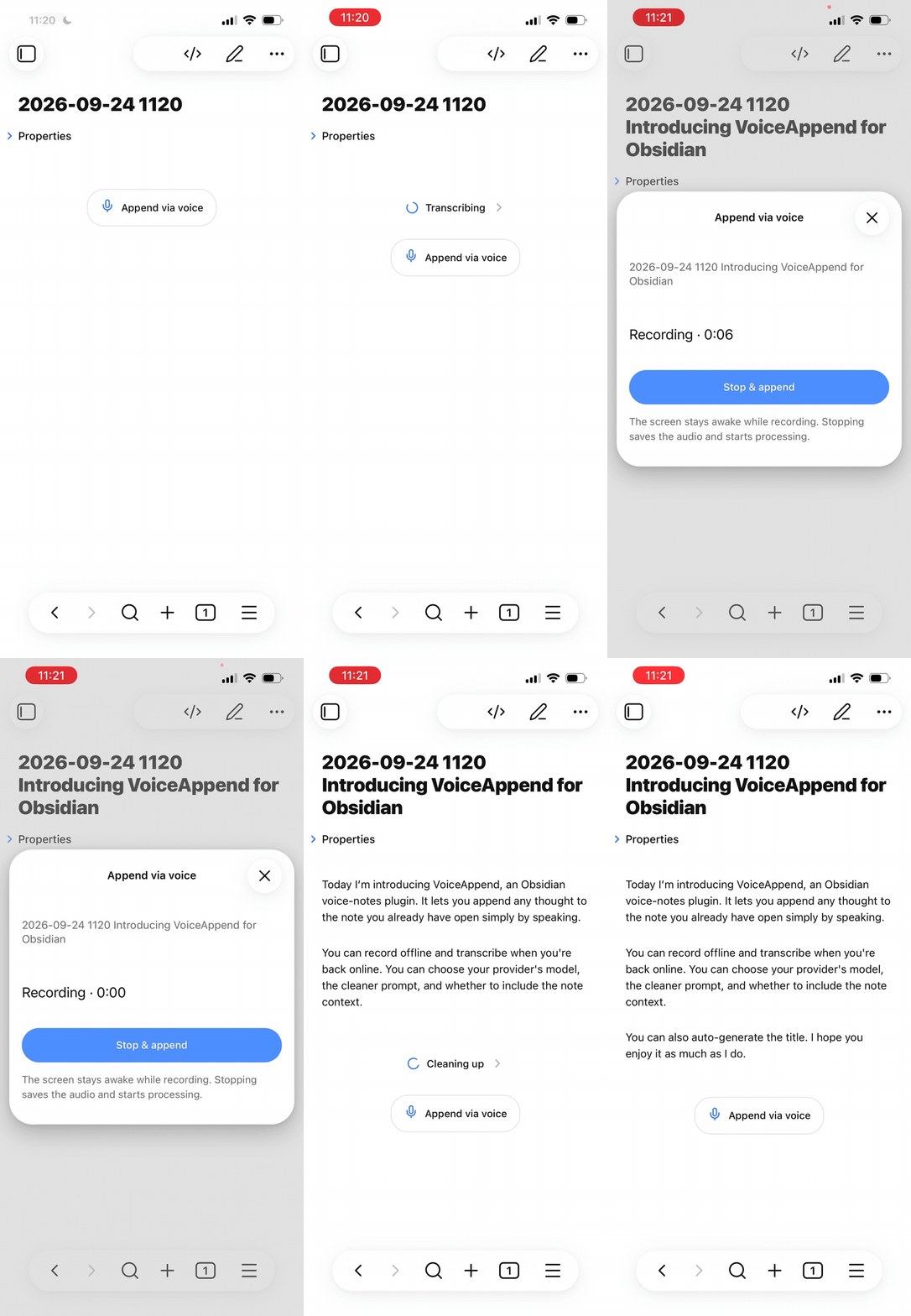
Built for the thought that comes next
Most voice-note tools create another inbox to process. Voice Append starts with the note that already holds the context. Its job is deliberately narrow:
- Start recording from the note, command palette, ribbon, or mobile toolbar.
- Stop when the thought is complete.
- Let the configured providers transcribe and clean up the recording.
- Append the result at the end of the note.
The note stays the source of truth. There is no separate service to maintain and no second collection of ideas to reorganize later.
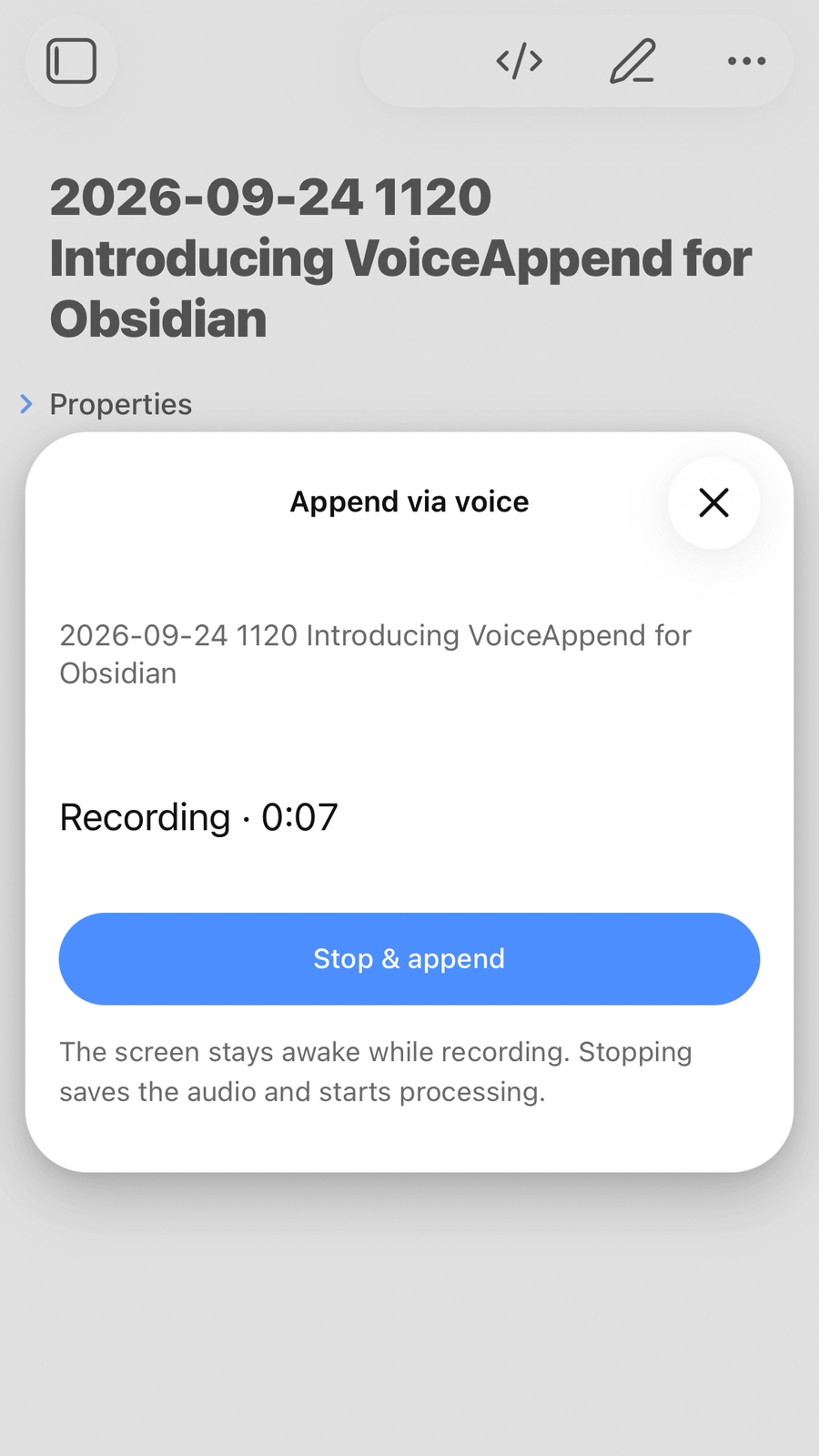
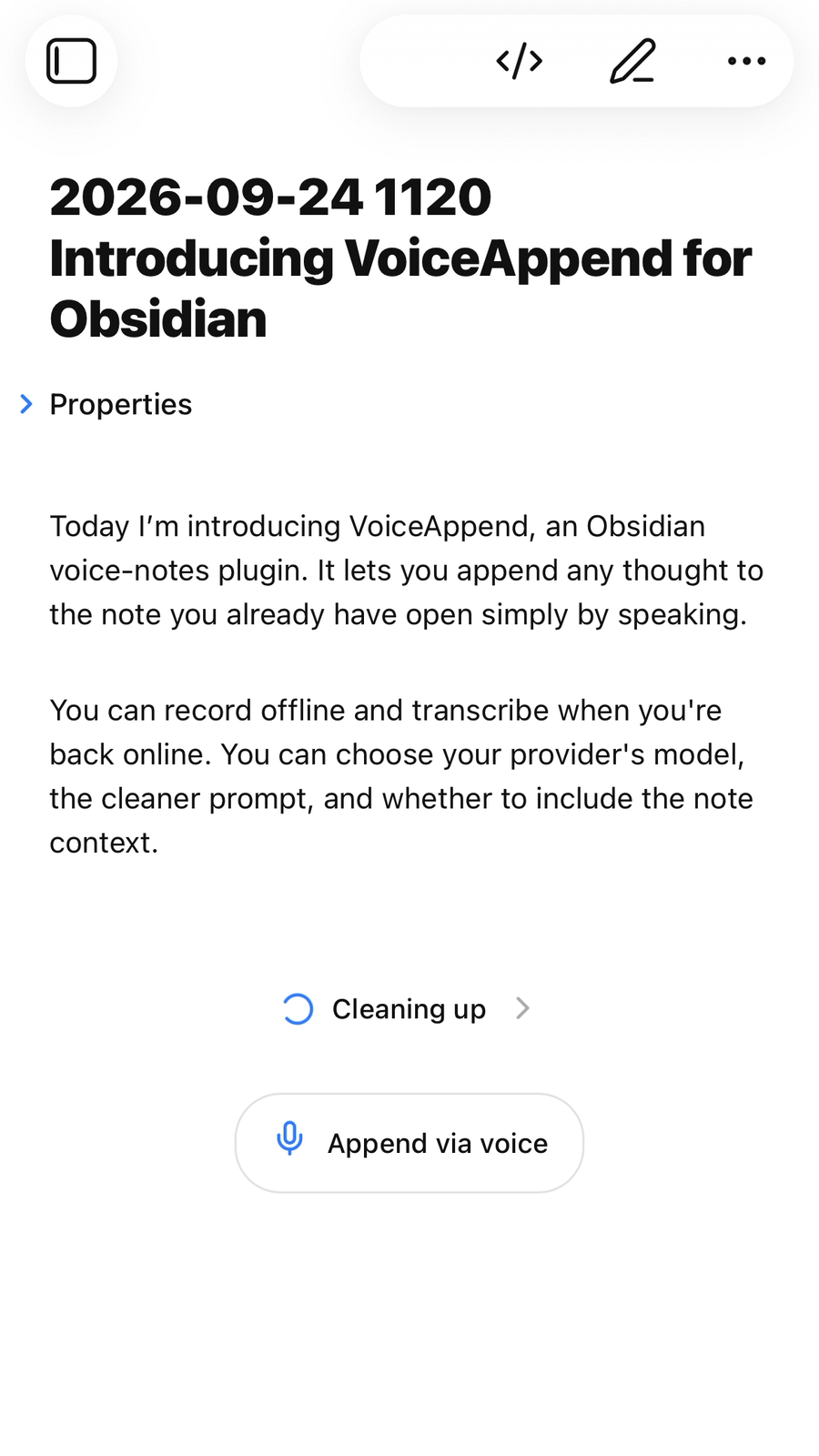
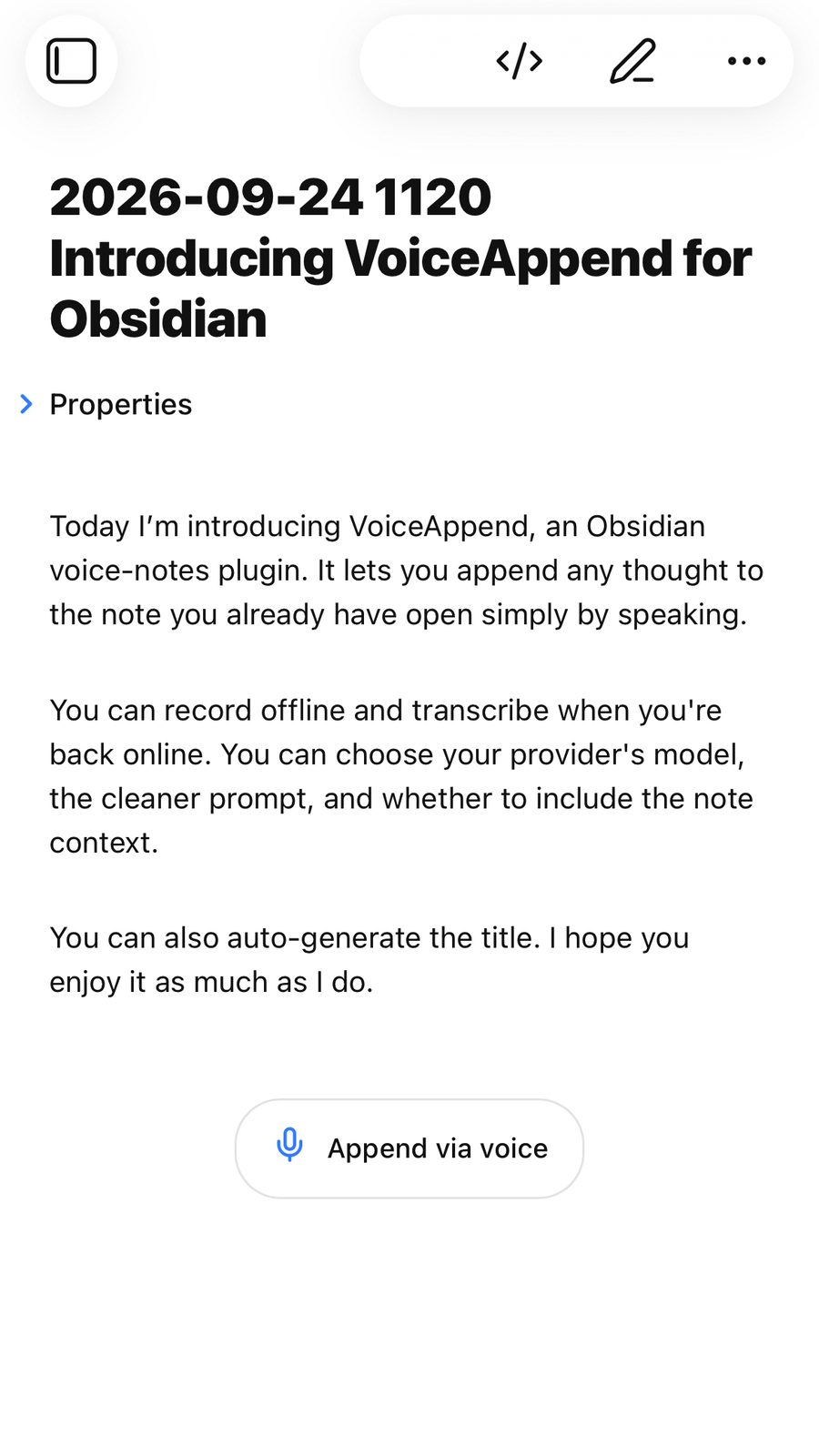
Capture first, process when a connection is available
A recording is saved locally before processing begins. If the phone is offline, the provider is unavailable, or Obsidian restarts, the saved job can be retried from the recordings view. This makes voice capture useful in the situations where I need it most: outside, moving, and without assuming a perfect connection.
The plugin keeps the screen awake while recording where the operating system permits it. Progress appears directly at the append position, so it is clear where the new text will land.
Your providers, prompts, and context
Voice Append works with configurable, OpenAI-compatible endpoints. Transcription and cleanup can use the same provider or separate providers. The cleanup prompt is editable, and the plugin can optionally include the current note and familiar names or terminology to improve the result.
The default path stays simple: choose a preset, add a provider key, and test the configuration. Advanced settings remain available for custom endpoints and authentication.
Audio is sent only to the configured transcription provider. The transcript—and, when enabled, relevant note context—is sent to the configured language-model provider. Credentials use Obsidian’s local Secret Storage rather than the synced vault.
Small details that make it dependable
- Record from the note, mobile toolbar, ribbon, or command palette.
- Continue failed or interrupted processing without recording the thought again.
- Add an optional dated heading or preserve the original transcript.
- Generate a filename for a new, otherwise empty note.
- Use the interface in English or German.
- Inspect, retry, download, retarget, or delete saved recordings.
Try it and tell me what gets in the way
Install Voice Append from the Obsidian community directory, then open Settings → Voice Append to connect your providers. The project is MIT-licensed, and its implementation and roadmap are public on GitHub.
If something feels slow, confusing, or unreliable, open an issue. Reports from real mobile workflows are especially useful.